Дом > Приложения >GridArt
Grid Drawing for Artists: Overlay customizable grids onto any image with extensive customization options.
GridArt: The Essential Tool for Artists to Achieve Perfect Proportions and Accuracy!
Introducing GridArt!
Whether you're a budding artist or an experienced professional, GridArt enhances your drawing process and helps create impressive artwork. This app simplifies the grid drawing method, allowing you to place custom grids over images for accurate transfer to canvas or paper.
Understanding the Grid Drawing Method
The grid method improves drawing accuracy and proportions by dividing both the reference image and drawing surface into equal squares. This technique lets you concentrate on individual squares, ensuring precise details and correct overall proportions.
Why Choose GridArt: Grid Drawing for Artists?
For centuries, artists have relied on the grid method to simplify complex images. GridArt modernizes this tradition with advanced customization features tailored to your artistic requirements.
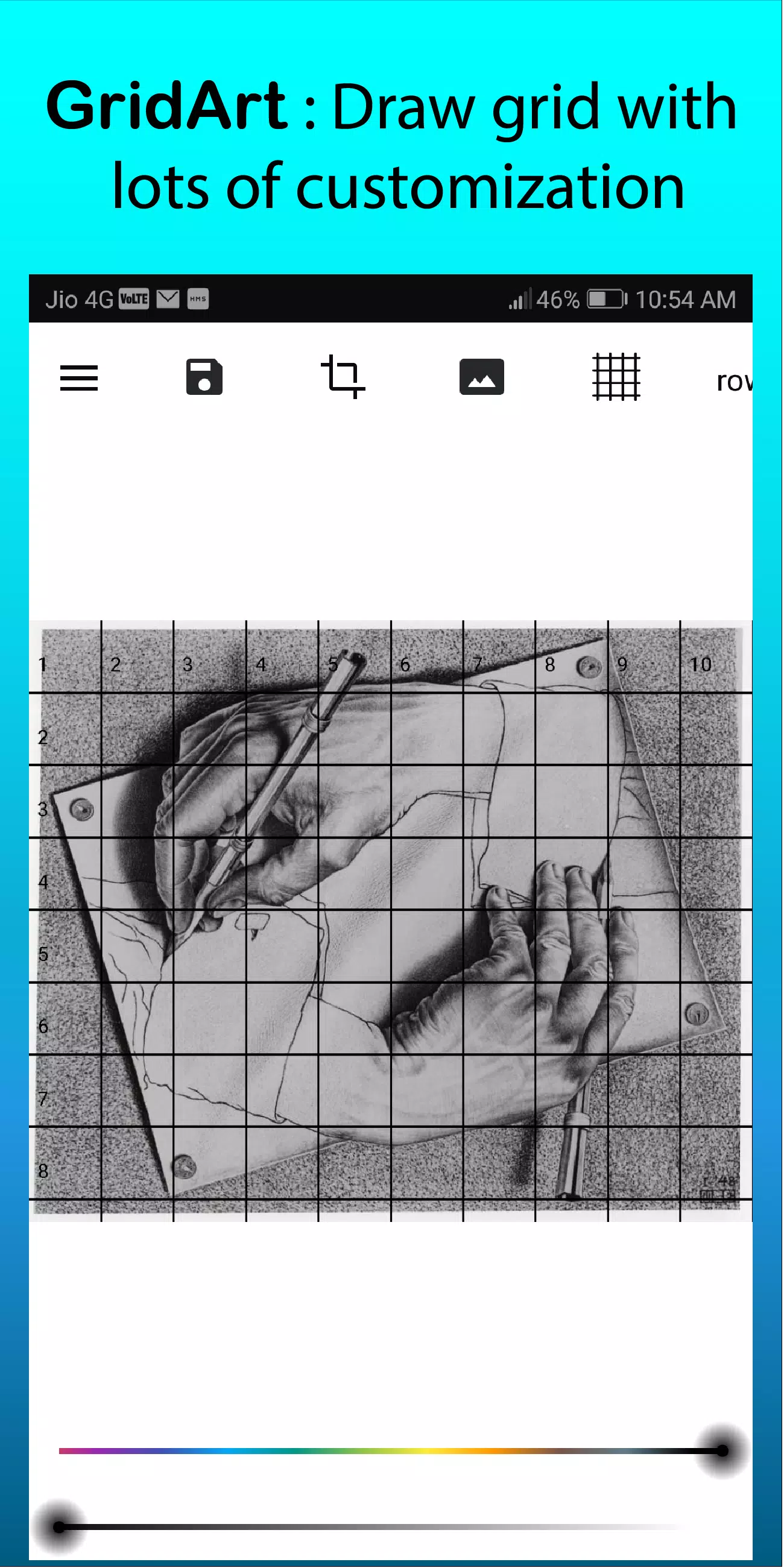
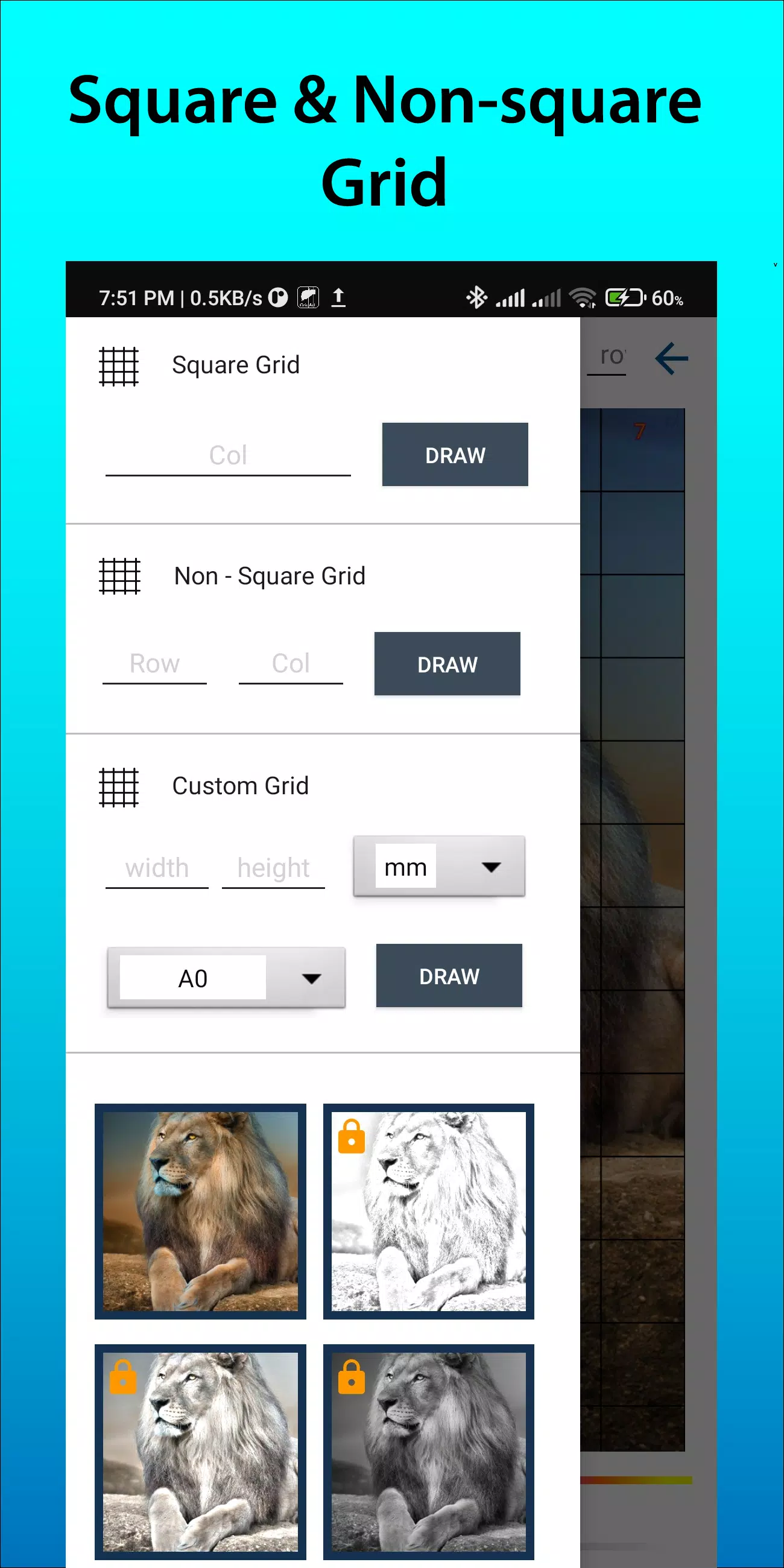
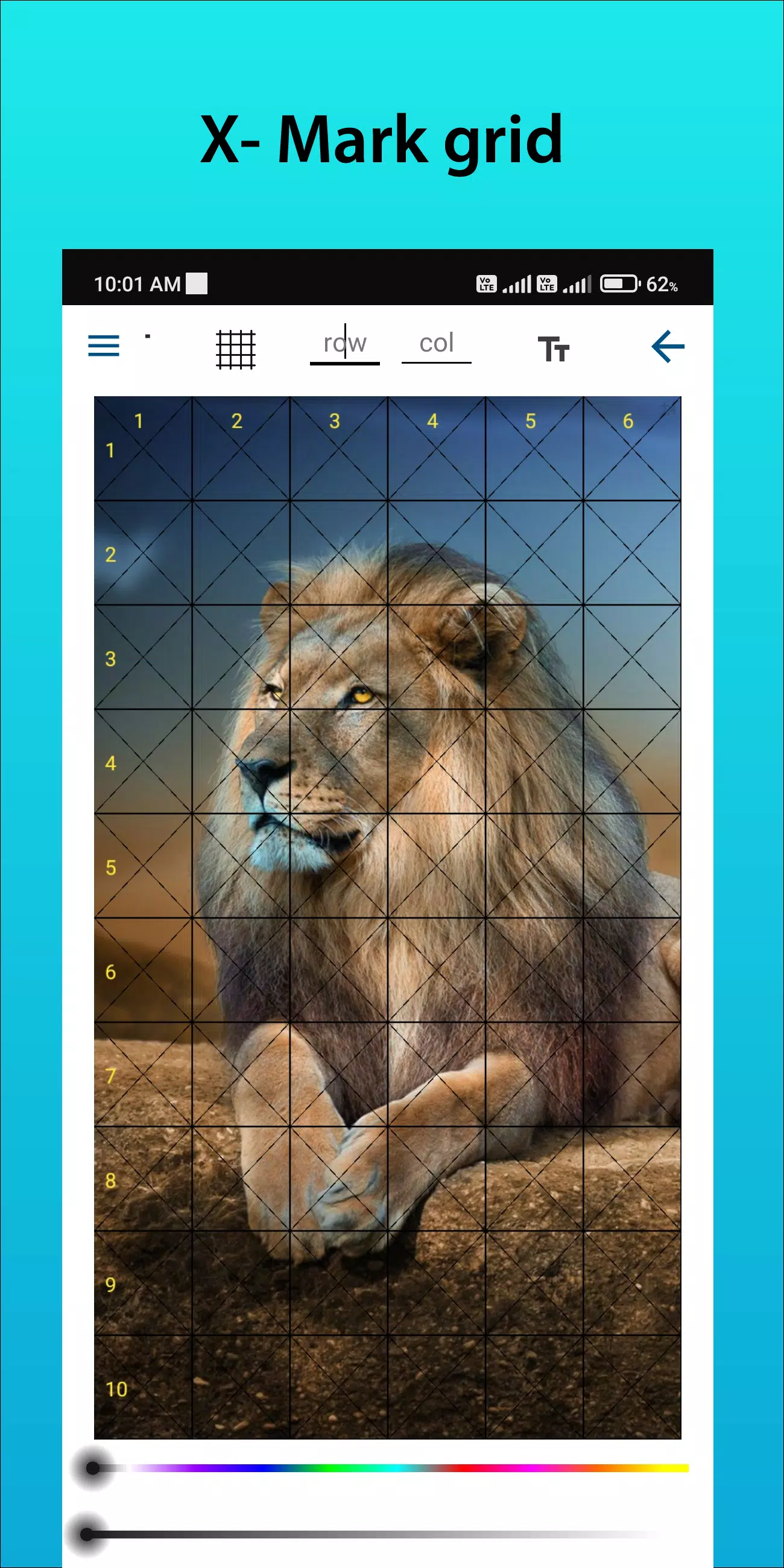
Customizable Grids: Select row and column numbers, adjust grid thickness and color, and include diagonal lines for additional guidance.
User-Friendly Interface: Easily upload images, customize grids, and save your projects with our intuitive design.
High-Resolution Output: Export grid-overlaid images in high resolution, ideal for printing and reference.
How to Use GridArt
Follow these steps to apply the grid drawing method:
Choose Your Reference Image: Select the image you wish to draw.
Create a Grid on the Reference Image: Overlay a grid of evenly spaced vertical and horizontal lines. While any square size works, common options are 1-inch or 1-centimeter squares.
Create a Grid on Your Drawing Surface: Draw a matching grid on your paper or canvas, maintaining the same number and proportion of squares.
Transfer the Image: Focus on one square at a time. Observe each square in the reference image and replicate its lines, shapes, and details in the corresponding square on your drawing surface to preserve accurate proportions and placement.
Erase the Grid (Optional): Once your drawing is complete, gently remove any visible grid lines if desired.
Key Features of Grid Drawing
1. Apply grids to any image, select from your gallery, and save for print
2. Grid Drawing with square, rectangle, or custom grids using user-defined rows and columns
3. Crop photos to any aspect ratio or predefined ratios like A4, 16:9, 9:16, 4:3, 3:4
4. Toggle row-column and cell numbers with adjustable text size
5. Apply grids using various label styles
6. Create grids with regular or dashed lines and adjustable line width
7. Modify grid line color, opacity, and row-column number appearance
8. Apply sketching filters for easier drawing
9. Grid drawing with measurement units (mm, cm, inch)
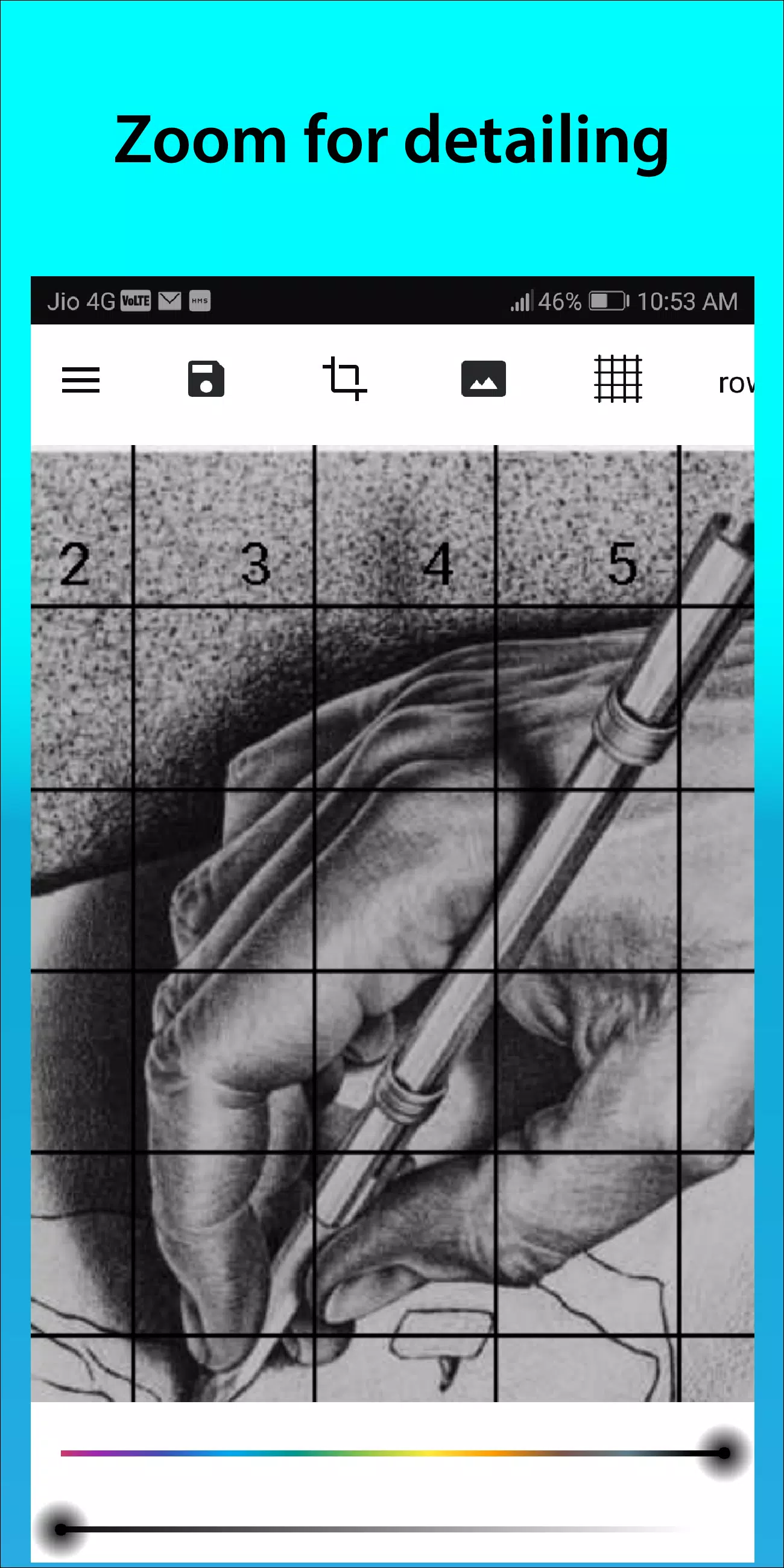
10. Zoom images to capture fine details
Follow us on Instagram @gridArt_sketching_app and contact us with questions or suggestions. Use #gridArt on Instagram for a chance to be featured.
What's New in Version 1.8.3
Last updated on Sep 14, 2024
# Screen lock feature added
1.8.3
16.5 MB
Android 6.0+
com.gridArt.drawing