
Minecraft's Depths: First Account Registration Desperation
Even after many years, Minecraft remains a leader among sandbox games. With endless journeys, dynamic world generation, and robust multiplayer support, it offers infinite avenues for creativity. Let's explore the initial steps to start your Minecraft adventure.
Table of Contents
- Creating a Minecraft Account
- How to Start Your Journey
- PC (Windows, macOS, Linux)
- Xbox and PlayStation
- Mobile Devices (iOS, Android)
- How to Exit Minecraft
Creating a Minecraft Account
To dive into Minecraft, you'll need a Microsoft account for login. Head to the official Minecraft website, and locate the "Sign In" button in the top right corner. Click it to open the authorization window, then opt to create a new account.
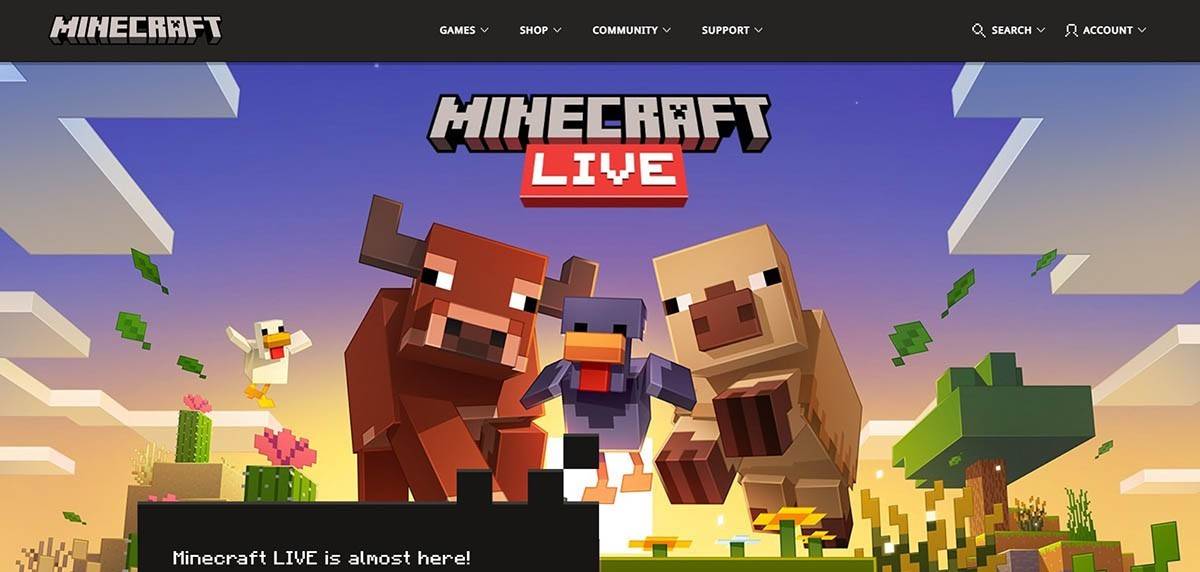 Image: minecraft.net
Enter your email address and set a strong password for your Minecraft account. Choose a unique username; if it's taken, the system will suggest alternatives.
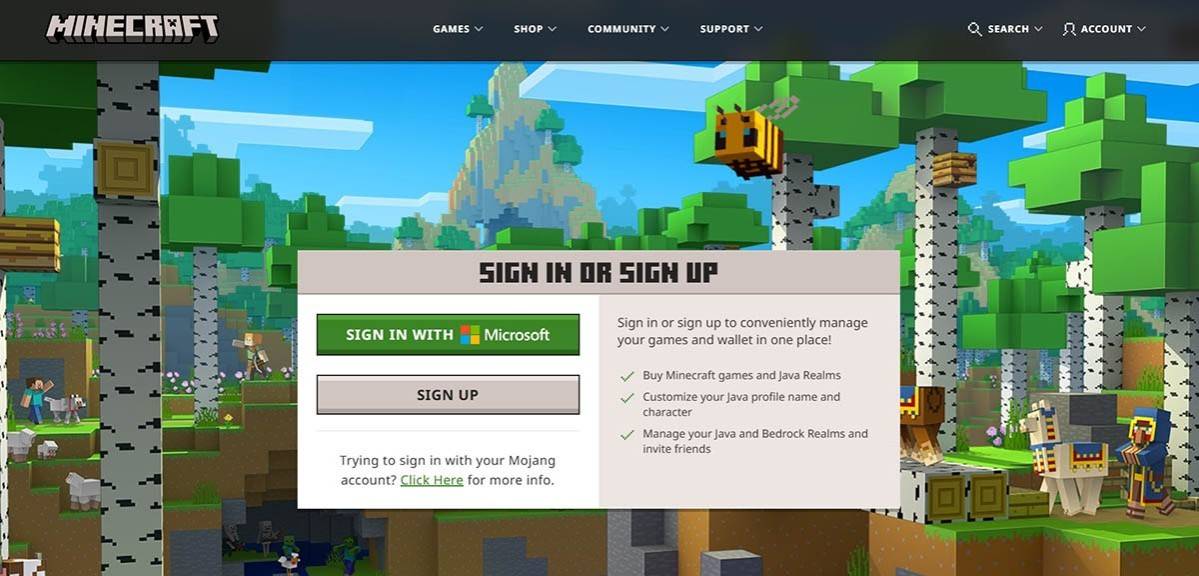 Image: minecraft.net
After setting up your account, verify your email by entering the code sent to you. If the email doesn't arrive promptly, check your "Spam" folder. Once verified, your profile is linked to your Microsoft account, and you can proceed to purchase the game if you haven't already. Choose your preferred version from the store on the website and follow the prompts to complete your purchase.
How to Start Your Journey
PC (Windows, macOS, Linux)
On PC, you have two main options: Java Edition and Bedrock Edition. Java Edition is compatible with Windows, macOS, and Linux and can be downloaded from the official Minecraft website. After installing the launcher, log in with your Microsoft or Mojang account and select your game version.
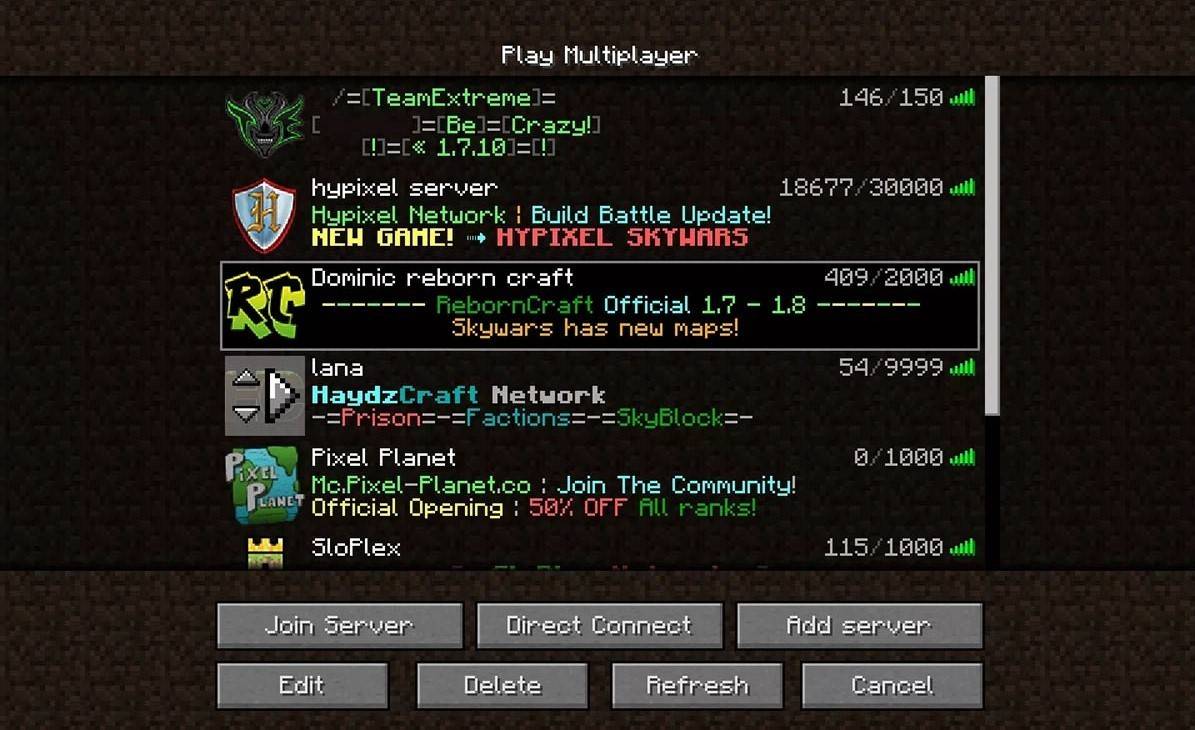 Image: aiophotoz.com
Upon your first launch, you'll see an authorization window. Enter your Microsoft account credentials to log in. For solo play, click "Create New World" and choose your game mode: "Survival" for the classic challenge or "Creative" for unlimited resources.
For multiplayer, navigate to the "Play" section in the main menu, then to the "Servers" tab. You can join a public server or enter a private server's IP address if invited. To play with friends in the same world, create or load a world, then enable multiplayer in the settings.
Xbox and PlayStation
On Xbox consoles (Xbox 360, Xbox One, Xbox Series X/S), download Minecraft from the Microsoft Store. Launch the game from your console's home screen and log in with your Microsoft account to sync achievements and purchases.
 Image: youtube.com
For PlayStation users (PS3, PS4, PS5), purchase and download Minecraft from the PlayStation Store. Launch it from the home screen and log in with your Microsoft account for cross-platform play.
Mobile Devices (iOS, Android)
Download Minecraft from the App Store for iOS or Google Play for Android. After installation, log in with your Microsoft account to access cross-platform play.
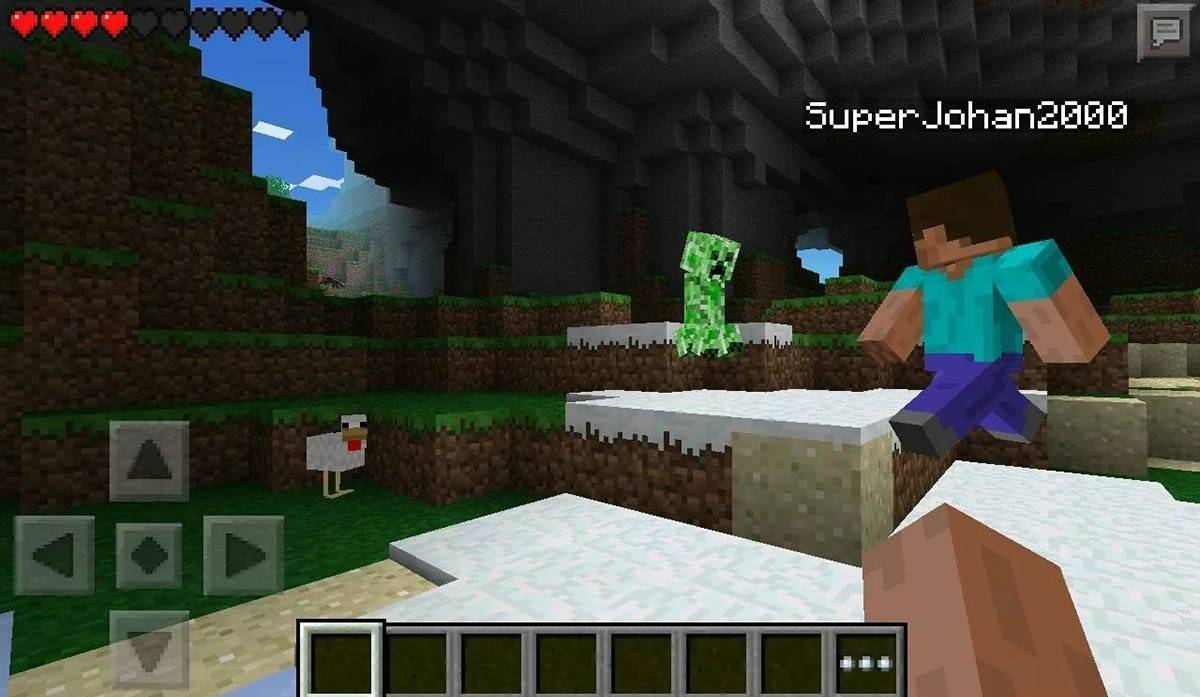 Image: storage.googleapis.com
Note that Bedrock Edition supports cross-platform play across all mentioned devices, allowing seamless multiplayer experiences. Java Edition, however, is limited to PC and does not support cross-platform play.
How to Exit Minecraft
To exit Minecraft, use the in-game menu. On PC, press the Esc key to open the menu and select "Save and Quit" to return to the main menu. Close the program to fully exit.
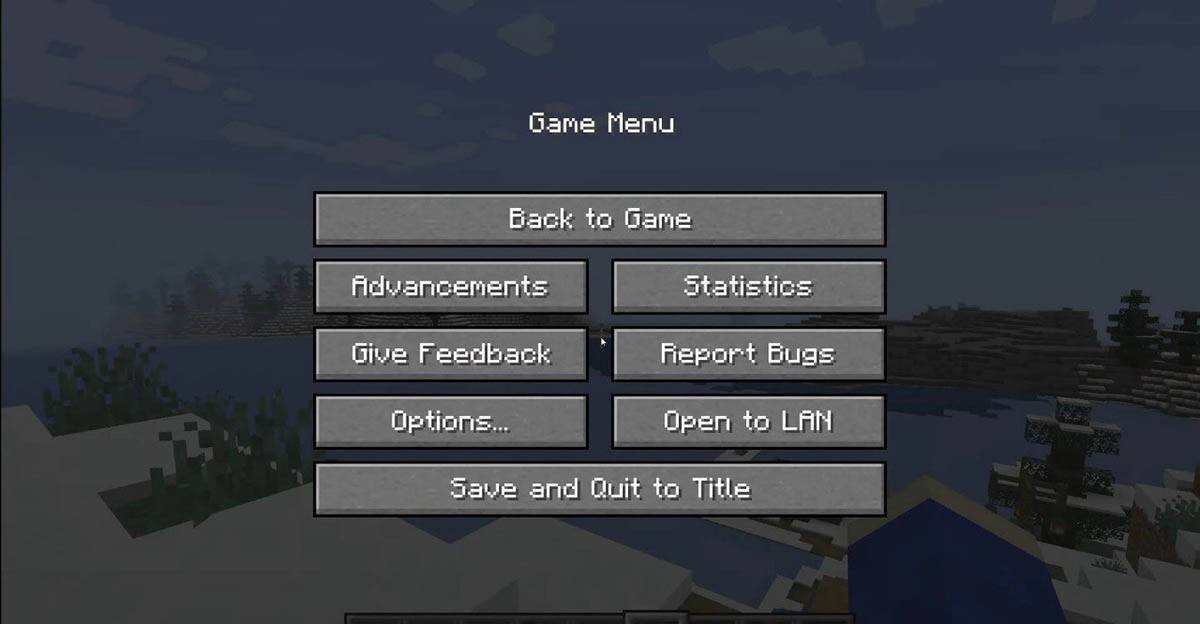 Image: tlauncher.org
On consoles, access the pause menu with the gamepad's designated button and choose "Save and Quit." To fully close the game, use the console's "Home" button, highlight Minecraft, and select the exit option.
On mobile devices, find the "Save and Quit" button in the game menu. To completely close the app, use your device's system menu. On Android, swipe up from the bottom to close running apps, and on iOS, double-press the "Home" button or swipe up to close the app.
Now that you're familiar with the basics, enjoy your Minecraft journey across any device, and discover new adventures in both solo and cooperative modes within this expansive blocky world.











-
1
Announcing the Bazaar Release: Date and Time Unveiled
Feb 02,2025
-
2
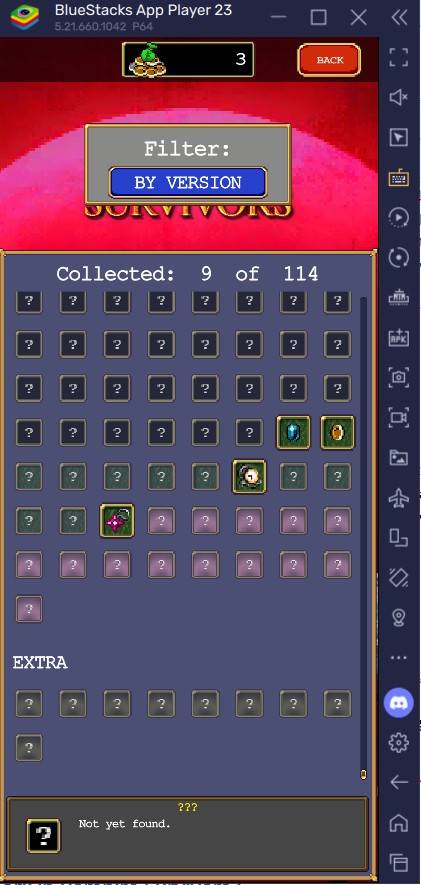
Vampire Survivors – Arcana Card System Guide and Tips
Feb 26,2025
-
3
Novel Rogue Decks Android Debut
Feb 25,2025
-
4
Marvel Rivals Update: News and Features
Feb 19,2025
-
5

GTA 6 Release: Fall 2025 Confirmed
Feb 23,2025
-
6
Get Exclusive Roblox DOORS Codes for January 2025
Feb 10,2025
-
7
Marvel Rivals Unveils Season 1 Release Date
Feb 02,2025
-
8

Anime Fate Echoes: Get the Latest Roblox Codes for January 2025
Jan 20,2025
-
9
Roblox: Exclusive Prison Codes Revealed (Updated January 2025)
Feb 19,2025
-
10
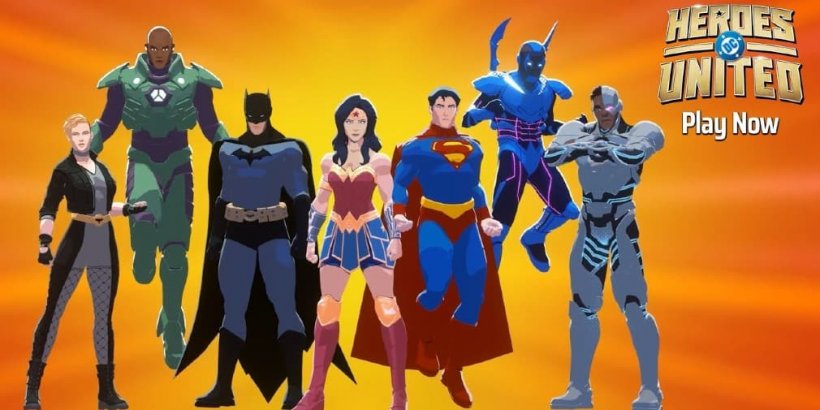
DC Heroes Unite: New Series from Silent Hill: Ascension Creators
Dec 18,2024
-
Download
Street Rooster Fight Kung Fu
Action / 65.4 MB
Update: Feb 14,2025
-
Download

Ben 10 A day with Gwen
Casual / 47.41M
Update: Dec 24,2024
-
Download

A Simple Life with My Unobtrusive Sister
Casual / 392.30M
Update: Dec 10,2024
-
4
Translate - Voice Translator
-
5
Day by Day
-
6
Idle Rush : Zombie Tsunami
-
7
Dot n Beat - Magic Music Game
-
8
Mega Jackpot
-
9
Midi Commander
-
10
Обби: Пустота Цифрового Цирка