

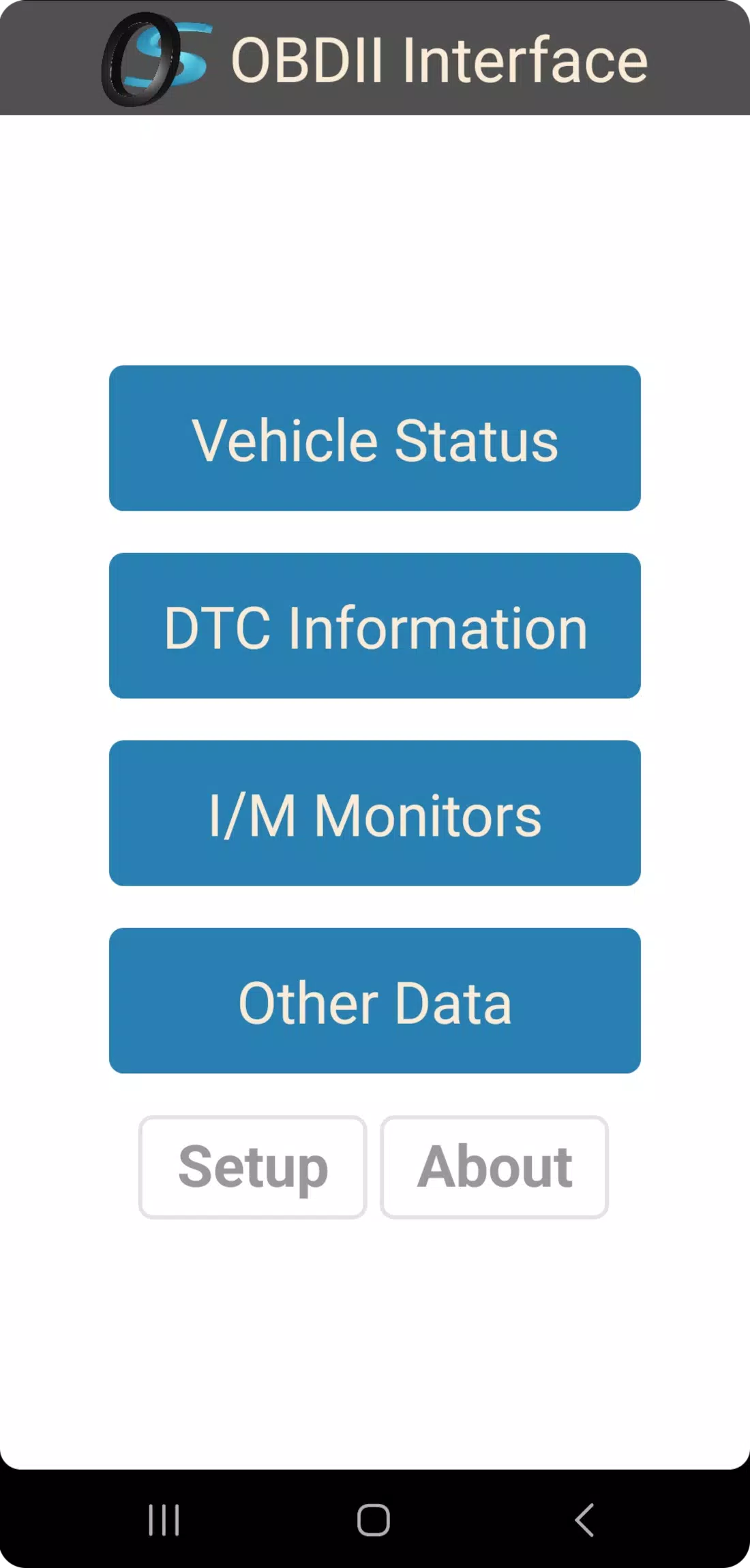
Otterbine Solutions' OBD2 Interface is a straightforward, user-friendly automotive diagnostic tool designed for ELM327-based WiFi and Bluetooth devices. This app focuses on simplicity and efficiency, ensuring it only operates when in use without consuming background resources or services.
With the OS OBD2 Interface, users can:
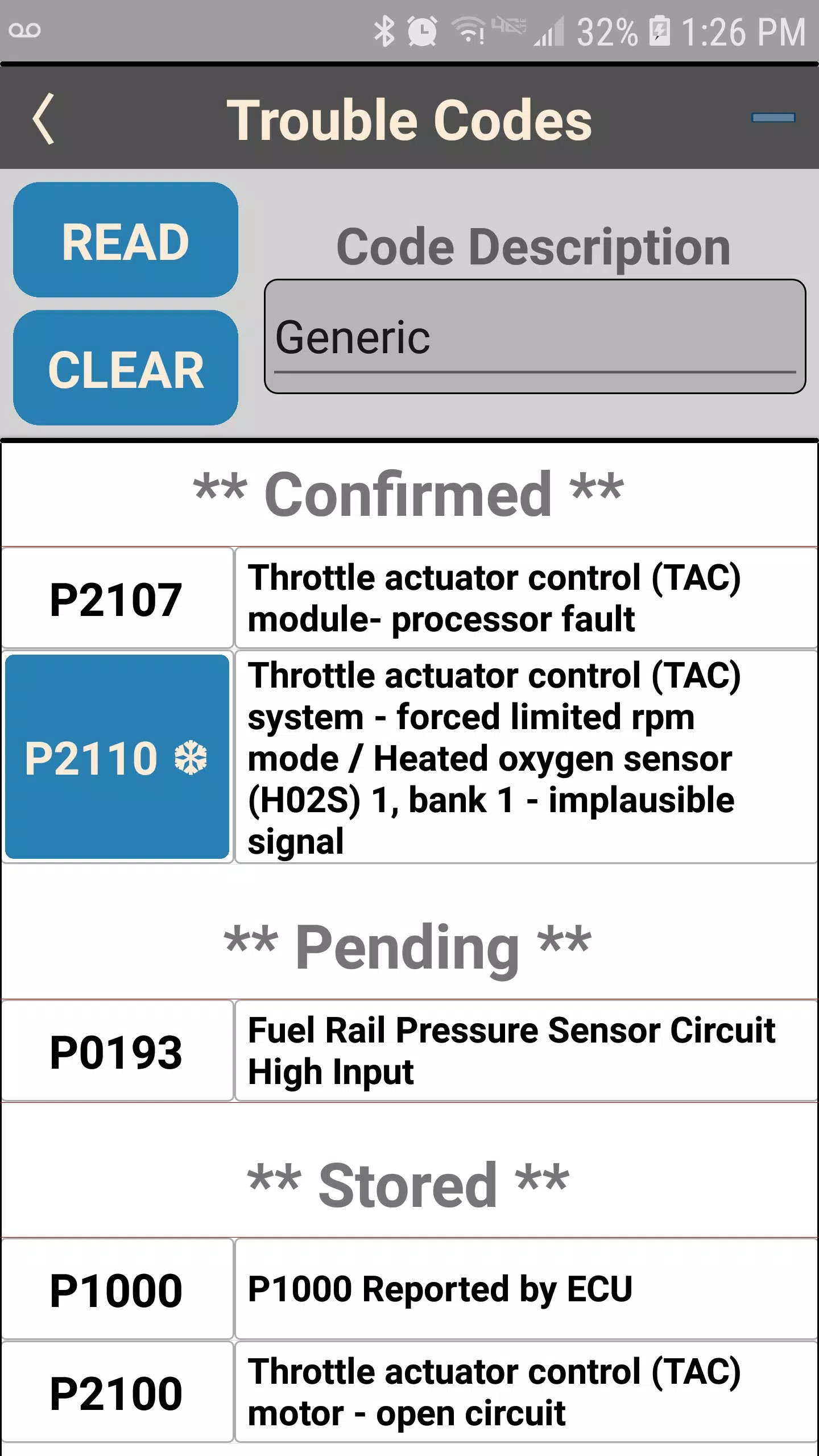
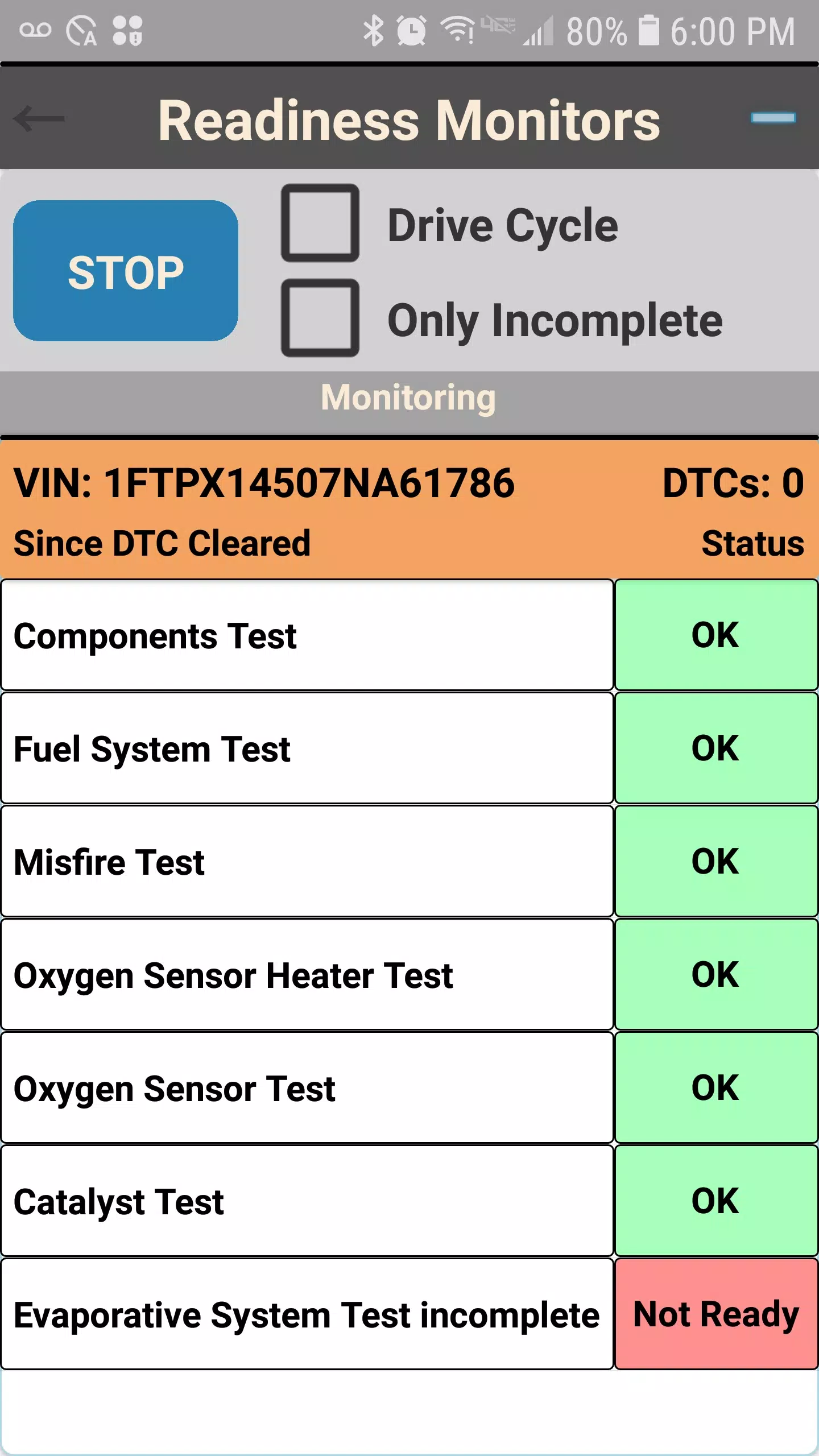
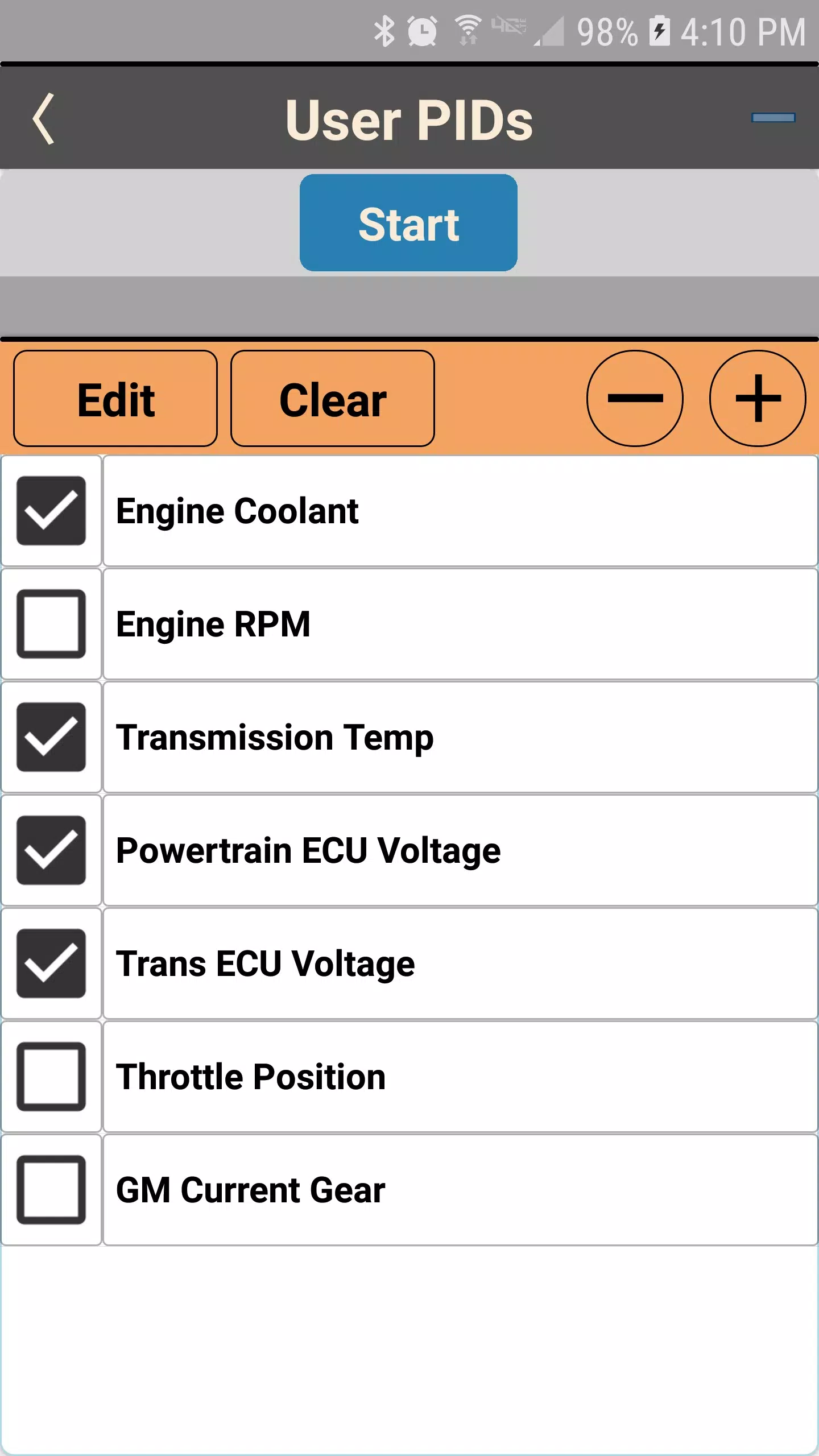
• Monitor drive cycle and long-term readiness • View Diagnostic Trouble Codes (DTCs) • Access real-time OBDII Parameter ID (PID) data • Customize and create user-defined PIDs
What's New in Version 1.0.1.3
Updated on November 10, 2024
- Fix: Addressed an issue where communication connection retries were not functioning correctly.
- Modification: Enhanced the Live OBDII PIDs Page with a new pause function. A yellow LED indicator now signals that the channel remains open during pauses.
1.0.1.3
56.2 MB
Android 5.0+
com.OtterbineSolutions.os_obd2
Just used this app to check my car's OBD2 codes after a warning light came on. It connected instantly via Bluetooth, showed the trouble codes clearly, and even gave me a basic explanation. The interface is clean and easy to navigate—no confusing menus. I appreciate that it doesn’t run in the background and doesn’t drain my battery. Definitely a solid tool for DIY mechanics. 5 stars! 🚗🔧